Most Magento developers spend hours manually checking robots.txt, schema markup, and sitemap configurations.
Then they wonder why their store still doesn’t appear in ChatGPT or Gemini recommendations.
There is now a faster way.
The Problem: No Standard AEO Checklist for Magento
SEO has Lighthouse. SEO has Search Console. SEO has dozens of audit tools built into every CI pipeline.
AEO — AI Engine Optimization — has almost nothing.
Magento developers who want to know whether their store is AI-visible have to check manually:
- Is
GPTBotallowed inrobots.txt? - Does the store have a
llms.txtfile? - Is Product JSON-LD schema present on PDP pages?
- Is there an AI-readable product feed for ChatGPT Shopping?
- Does the homepage have FAQPage schema for answer-box eligibility?
This takes time, requires domain knowledge, and produces no consistent score to track over time.
Introducing: angeo/module-aeo-audit
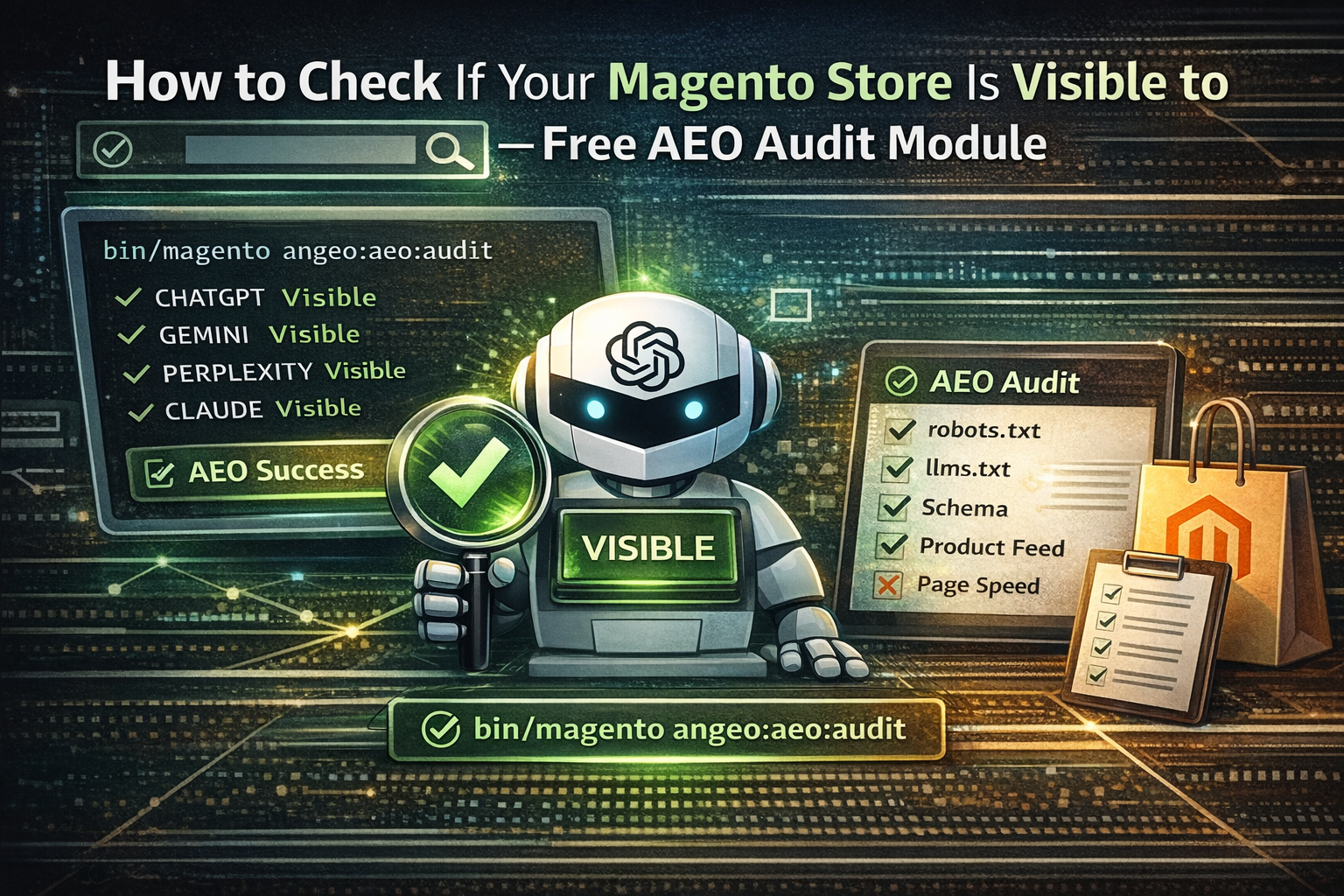
angeo/module-aeo-audit is an open-source Magento 2 CLI module that runs a complete AEO audit with one command.
composer require angeo/module-aeo-audit
bin/magento setup:upgrade
bin/magento angeo:aeo:audit
The module checks 8 signal categories, scores your store, and tells you exactly what to fix — with specific commands.
What It Checks
The audit evaluates the same signals AI search engines use to discover, index, and cite ecommerce stores.
What the Output Looks Like
Every failed check includes a specific recommendation. Not just “fix your schema” — but exactly what to run.
Three Output Formats
The module supports table, JSON, and Markdown output — useful both for developers and for integrating into dashboards or reports.
# Default — readable table in terminal
bin/magento angeo:aeo:audit

# JSON — for dashboards or automated processing
bin/magento angeo:aeo:audit --format=json --output=/tmp/aeo-report.json

# Markdown — for Notion, docs, or sharing with clients
bin/magento angeo:aeo:audit --format=markdown --output=/var/www/html/aeo-report.md

# Specific store only
bin/magento angeo:aeo:audit --store=en_gb
CI Pipeline Integration
One of the more useful features: --fail-on exits with code 1 if the AEO score drops below a defined threshold.
# Fail the build if AEO score drops below 70%
bin/magento angeo:aeo:audit --fail-on=70
This means AEO readiness can be enforced in GitHub Actions, GitLab CI, or any deployment pipeline — the same way code quality tools work. If a deploy breaks AI visibility, the build fails.
Treat AEO the same way you treat code quality. Automate it. Enforce it.
How It Fits the Angeo Suite
module-aeo-audit is the diagnostic layer. It tells you what’s missing. The other Angeo modules fix those gaps.
A typical workflow after running the audit for the first time:
bin/magento angeo:aeo:audit — get scored report with specific failurescomposer require angeo/module-llms-txt angeo/module-openai-product-feedbin/magento angeo:aeo:audit --fail-on=80 to lock in the scoreInstallation
Requirements: PHP 8.2+, Magento 2.4+. Compatible with Magento Open Source and Adobe Commerce Cloud.
composer require angeo/module-aeo-audit
bin/magento setup:upgrade
bin/magento cache:flush
One CLI command registered: angeo:aeo:audit. No admin configuration. No database changes. Clean uninstall.
Why This Module Exists
ChatGPT referral traffic converts at 4–5× the rate of standard organic search. Gemini is now embedded across every Google product used by over a billion people.
Most Magento stores have at least 2–3 critical AEO issues they don’t know about. A robots.txt that accidentally blocks GPTBot. A product page with no JSON-LD schema. No llms.txt while competitors already have one.
The audit takes 30 seconds to run. The fixes usually take less than an hour.
The window to establish AI visibility before competitors do is still open — but it’s closing fast.
Install the module — or run the free web-based self-assessment if you’re not on Magento.


2 Comments
Roland · April 9, 2026 at 7:54 pm
Solid work!
Ievgenii · April 11, 2026 at 6:54 pm
Thanks! Glad you found it useful. Feel free to ask any questions if you have:)