TL;DR — skip to what you need
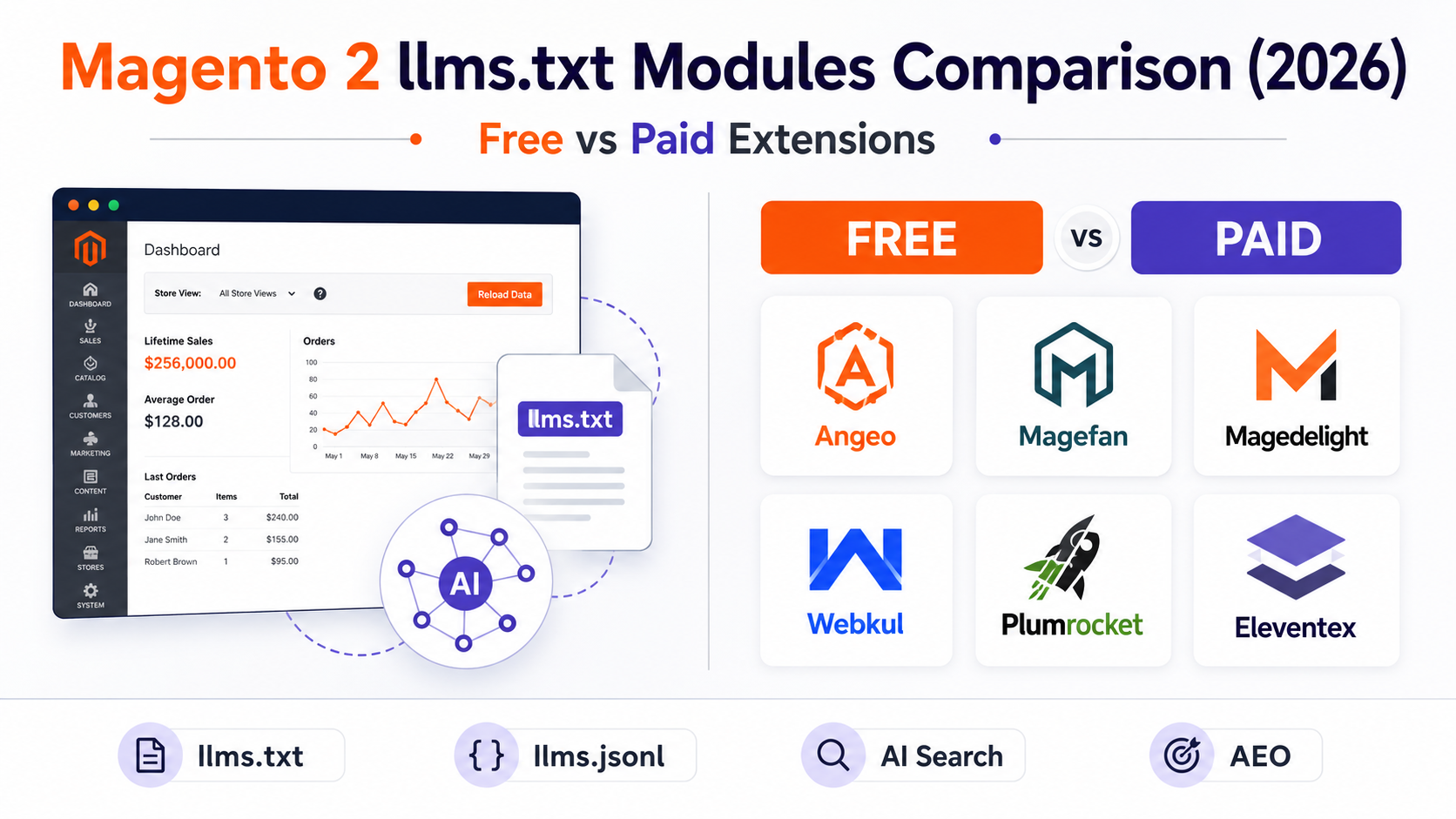
- Based on publicly available vendor offerings as of May 2026, we identified six Magento 2 llms.txt solutions we identified during research — one fully free and five commercial offerings
- Feature sets are more similar than vendor marketing suggests — the main differences are admin UI depth, pricing, and output format
- Does llms.txt improve Google rankings? No direct signal. The benefit is AI system understanding of your catalog.
- Which AI platforms read llms.txt? Perplexity has been one of the strongest public supporters of the llms.txt proposal. Others vary — details in the guide.
- Time to implement: 5 minutes with a module. Manual creation is reasonable for small stable catalogs.
Quick answer
The right choice depends on your workflow:
- Need a free option →
angeo/module-llms-txt(MIT, Composer) - Need admin-driven content management → Magedelight, Webkul, Plumrocket, or Eleventex
- Need documented llms.jsonl support → verify vendor documentation before purchase; not all extensions support it
- Need only basic AI crawl visibility → any actively maintained llms.txt module is sufficient
- Very small stable catalog → manual file creation, no module needed
Why Magento stores are suddenly talking about llms.txt
For most of Magento’s history, visibility meant one thing: Google rankings. Then in late 2023 and through 2024, a measurable share of eCommerce discovery began happening inside AI assistants — ChatGPT, Perplexity, Gemini — where users ask product questions and receive recommendations without visiting a search results page.
The shift created a new problem: most Magento stores are opaque to AI systems. A typical product page returns 200–400 KB of HTML — navigation menus, JavaScript bundles, cookie banners, schema fragments, and marketing copy — from which an AI crawler must infer what the store sells, what categories it carries, and whether products are in stock.
llms.txt addresses this directly. A 50 KB plain-text file can describe an entire catalog more clearly than 10,000 HTML pages parsed individually. AI systems that support structured content discovery — either directly or as a supplementary signal — can use it to build a more accurate model of your store.
The practical trigger for most Magento merchants: running an AEO audit and discovering their store is invisible in Perplexity results, or being described inaccurately when a potential customer asks an AI assistant about their product category. llms.txt is typically one of the fastest fixes.
Module comparison: free vs paid (2026)
Features are based solely on publicly documented functionality available on vendor websites as of May 2026. Some vendors may support additional features not publicly listed. Verify with the vendor before purchase. ? = status unclear from public documentation.
angeo/module-llms-txt extension referenced in this comparison.
Feature information for competing extensions was collected from publicly
available vendor documentation as of May 2026.
We have no commercial relationship with any of the paid vendors listed.
| Module | Price | llms.txt | llms.jsonl | CLI | Admin UI | Cron | Multi-store |
|---|---|---|---|---|---|---|---|
| angeo/module-llms-txt | Free (MIT) | Documented ✓ | Documented ✓ | Documented ✓ | Documented ✓ | Documented ✓ | Documented ✓ |
| Magedelight | $129/yr (then $89/yr) | Documented ✓ | Unclear | Unclear | Documented ✓ | Documented ✓ | Documented ✓ |
| Webkul | $149/licence | Documented ✓ | Unclear | Unclear | Documented ✓ | Documented ✓ | Unclear |
| Plumrocket | Contact vendor | Documented ✓ | Unclear | Unclear | Documented ✓ | Documented ✓ | Documented ✓ |
| Eleventex | Contact vendor | Documented ✓ | Unclear | Unclear | Documented ✓ | Documented ✓ | Documented ✓ |
| Magefan SEO | Part of paid SEO suite | Documented ✓ | Unclear | Unclear | Documented ✓ | Documented ✓ | Documented ✓ |
¹ Webkul multi-store not explicitly documented on their product page as of May 2026 — confirm directly before purchase.
² Plumrocket and Eleventex pricing requires direct contact or account login — not publicly listed. All prices verified as of May 30, 2026 and may change.
³ Magefan llms.txt generation is available through their SEO extension packages rather than as a standalone llms.txt extension.
Added October 2026: four more llms.txt modules. The first review in May 2026 found six. These four are also available now. Features are as documented by each vendor on 8 October 2026 – check their pages before you buy.
| Module | Price | Files | Notes from the vendor |
|---|---|---|---|
| Panth LLMs.txt (mage2kishan) | On Packagist | llms.txt, llms-full.txt, llms.json | Curated sections (featured, best sellers, recent). Magento 2.4.4-2.4.8, PHP 8.1-8.4. Needs the vendor’s free core package. |
| Mage-OS LLMs.txt | On Packagist | llms.txt | Writes the file with OpenAI from up to 10 categories, products and CMS pages you pick. Magento 2.4.x and Mage-OS. |
| Aheadworks LLMs.txt Generator | $110 | llms.txt, llms-full.txt | Version 1.0.0. Multi-store, include or exclude categories, products and CMS pages. |
| Meetanshi LLMs.txt Generator | See vendor | llms.txt, optional llms-full.txt | Admin settings, scheduled updates. |
Same rule as above: no AI vendor has promised to read llms.txt, so choose on workflow and maintenance, not on promised traffic. Disclosure: we publish angeo/module-llms-txt.
Which Magento llms.txt module should you choose?
| Your situation | Recommended approach |
|---|---|
| Small store, stable catalog (under 50 products) | Manual llms.txt — full control, no module needed |
| Merchandising or marketing team (non-technical) | Paid module with admin UI — content selection, metadata fields, no CLI required |
| Developer or Composer-first team | Free or paid Composer-based module — CLI generation, cron, no licence key friction |
| Large catalog with frequent price / stock changes | Any module with automated cron — daily regeneration recommended |
| Multi-store Magento setup | Verify per-store-view support with vendor before purchase — not all modules document this |
| AI pipeline integrations or structured catalog work | Module with explicit llms.jsonl output support (verify with vendor documentation) |
When to choose each
angeo/module-llms-txt
FREE · MIT · Packagist- You manage Magento via Composer and are comfortable with CLI
- You need
llms.jsonloutput for AI pipeline or structured catalog work - You use the AEO audit module — llms.txt is Signal #2 in the scored audit
- You want no licensing fees, no external keys, no SaaS dependency
Paid modules (Magedelight / Plumrocket / Eleventex / Webkul)
PAID · $79–$149/yr- Your team manages content from the Magento admin panel rather than CLI
- You need fine-grained control over which products, categories, or pages are included
- You want company metadata fields and usage policy text in the generated file
- You are purchasing as part of a broader SEO or AI extension suite (e.g. Magefan)
During our May 2026 research, we identified six Magento 2 llms.txt solutions available at the time of review. There may be others — particularly on GitHub or newer marketplace listings. If you find a comparison error or a missing module, the guide will be updated. This comparison is based on publicly available vendor documentation — including the differences vendors don’t advertise.
This guide is part of the Merchant-Controlled AEO architecture. For the broader picture, see the Magento 2 AEO Guide 2026.
angeo/module-llms-txt extension referenced in this comparison. Feature information for competing extensions was collected from publicly available vendor documentation as of May 2026. We have no commercial relationship with any of the paid vendors listed.
What is llms.txt?
llms.txt is a plain-text Markdown file placed at your store root — yourstore.com/llms.txt — that gives AI systems a structured summary of what your website contains. The proposal was introduced by Jeremy Howard in late 2024 and formalised at llmstxt.org.
The concept is straightforward: as AI assistants increasingly browse the web to answer questions, a clean, curated file is easier to parse than thousands of pages of HTML with navigation menus, cookie banners, and JavaScript widgets.
For an eCommerce store, a well-generated llms.txt typically includes store name and description, category list with URLs, product entries with names, SKUs, prices, and descriptions, key CMS pages, and contact and policy information.
llms.txt vs robots.txt vs sitemap.xml
| File | Purpose | Who reads it | Format |
|---|---|---|---|
robots.txt |
Permission layer — tells crawlers what they can access | All crawlers (Googlebot, GPTBot, OAI-SearchBot) | Plain text, directive syntax |
sitemap.xml |
URL index — lists all pages for crawlers to find | Search engine crawlers | XML |
llms.txt |
Content map — curated summary of what the site contains | AI assistants, LLM crawlers (varies by platform) | Markdown |
llms.jsonl |
Machine-readable catalog — structured product data | AI pipelines, vector databases | Line-delimited JSON |
These files are not alternatives — they are layers. robots.txt controls access. sitemap.xml enables URL discovery. llms.txt provides content context. A well-configured Magento store has all three (plus llms.jsonl if structured product data for AI pipelines is relevant to your use case).
llms.txt to block AI crawlers. The file has no enforcement capability — it is a content map, not a permission file. To control AI crawler access, use robots.txt. The robots.txt guide for Magento 2 covers the correct directives for all major AI bots.
Does llms.txt improve Google rankings?
No — not directly. Google has not announced that llms.txt is a ranking signal for traditional Google Search, and Googlebot does not use it as an indexing instruction.
The question of indirect benefit through AI Overviews and Gemini is less clear. AI Overviews and AI Mode are built from the normal Googlebot index. Google-Extended is not a crawler: it only controls whether Gemini may use content for training and grounding. Google has said Search ignores llms.txt.
The more defensible claim is narrower: stores with accurate, structured llms.txt files are more likely to be represented correctly when AI systems attempt to summarise their catalog — regardless of whether that triggers a direct ranking benefit. Incorrect AI summaries (wrong categories, outdated products, misrepresented niche) are a real problem that llms.txt helps mitigate.
llms.txt is the fastest fix.
Which AI systems actually read llms.txt?
This is the question most guides answer with more confidence than the evidence supports. Here is an honest breakdown by platform:
| Platform | llms.txt support | Notes |
|---|---|---|
| Perplexity | ✓ Strong public support | Perplexity is one of the few major AI platforms that has publicly acknowledged the the llms.txt proposal, referencing it in documentation and community discussions. Exact crawl behavior and ingestion logic are not formally documented by Perplexity as of May 2026. |
| Claude (Anthropic) | ~ Some configurations | Anthropic’s ClaudeBot documentation covers crawl behavior but does not specifically confirm llms.txt consumption. May use it in certain retrieval contexts. |
| Google Gemini / AI Overviews | ~ Not publicly confirmed | Googlebot crawls for Search, AI Overviews and AI Mode; Google-Extended is only a control token. Google has said Search ignores llms.txt. |
| ChatGPT | ~ Not a primary source | Public OpenAI documentation emphasizes page crawling, structured web content, and schema markup as the primary inputs for ChatGPT’s knowledge. OpenAI has not publicly documented llms.txt as a ranking or ingestion signal. See GPTBot documentation and OAI-SearchBot documentation. |
| Microsoft Copilot | ~ Unclear | Uses Bing index. No public documentation on llms.txt consumption. |
The summary: Perplexity is the platform where llms.txt has the strongest known value today. For other platforms, implementing it is low-effort and forward-compatible — as AI content consumption specs mature, stores with llms.txt in place will require no additional work to benefit.
What is llms.jsonl?
llms.jsonl is the machine-readable companion to llms.txt. Where llms.txt is Markdown for human-readable AI parsing, llms.jsonl is line-delimited JSON — one product object per line — designed for programmatic processing.
This format is useful for AI pipelines that need structured product data, vector database ingestion, and tools that process your catalog programmatically. It is a companion to llms.txt, not a replacement.
llms.txt alone is sufficient. llms.jsonl becomes relevant when you are integrating AI pipelines, building structured catalog tooling, or working with emerging commerce protocols that require machine-readable product data.We did not find publicly documented llms.jsonl support in the vendor materials reviewed. (Based on publicly documented features available during review. This does not mean support is absent — vendors may have undocumented features or may add them after publication.) Whether llms.jsonl matters for your use case depends on whether you are building AI pipeline integrations or working with structured commerce protocols — if you are only addressing basic AI crawl visibility, llms.txt alone is sufficient.
Installation: angeo/module-llms-txt
The steps below cover Composer-based installation. Installation paths and admin menu locations differ between vendors — consult your vendor’s documentation for the exact process.
Requires Magento 2.3+, PHP 8.1+, Composer.
-
Install via Composercomposer require angeo/module-llms-txt bin/magento module:enable Angeo_LlmsTxt bin/magento setup:upgrade bin/magento cache:flush
-
Generate files immediately
Navigate to Stores → Configuration → Angeo → LLMS and click Generate Now. Or via CLI:
bin/magento angeo:llms:generate -
Verify outputcurl -I https://yourstore.com/llms.txt # Expected: HTTP/1.1 200 OK curl -I https://yourstore.com/llms.jsonl # Expected: HTTP/1.1 200 OK
-
Enable cron for automatic updates
Enable scheduled regeneration in the module config. The module registers a standard Magento cron job — no additional crontab entry required if Magento cron is already running.
llms.txt and llms.jsonl per store view — each scoped to the correct currency, language, and URL structure. Hyvä Theme: Fully compatible — generation is server-side and independent of the frontend theme.
How to verify your setup
AEO audit signal
Browser check
Open yourstore.com/llms.txt directly. You should see your store name at the top, followed by category listings and product entries. A 404 usually means the file was not placed correctly in pub/ or a CDN rule is blocking static file serving.
Perplexity citation check
Search your store name or category in Perplexity after a week of the file being live. Check whether the description of your store and products matches what you actually sell. If it misrepresents your catalog — wrong categories, discontinued products, inaccurate niche — the generated llms.txt content may need review.
.txt and .jsonl files at the store root may be cached aggressively or blocked. Ensure your CDN passes through requests to /llms.txt and /llms.jsonl without redirect or cache interference.
Manual creation: when and how
For a small store with under 50 products and a stable catalog, manual llms.txt creation is reasonable. You get full control over what AI systems see — including the ability to write descriptions specifically for AI context.
Sources and further reading
- llmstxt.org — original proposal and specification by Jeremy Howard
- OpenAI GPTBot documentation — crawler behavior and robots.txt directives
- OpenAI OAI-SearchBot documentation — ChatGPT search indexer
- Anthropic ClaudeBot documentation — Claude crawler behavior
- Google common crawlers — Googlebot and the Google-Extended token
- Perplexity AI documentation — PerplexityBot and content discovery
- Magento 2 AEO Guide 2026 — full context for llms.txt within AEO signal stack
If you simply want AI systems to understand your catalog better, any actively maintained
llms.txt module is better than no module. The feature differences are smaller than vendor
marketing suggests.
Choose based on workflow:
• Developer and Composer-first teams — CLI-oriented solutions
with cron automation and no licence key requirements
• Merchandising and content teams — richer admin UI with
fine-grained content selection, metadata fields, and usage policy controls
• AI pipeline integrations — solutions that support structured
output formats such as llms.jsonl alongside plain-text llms.txt
Can AI agents use llms.txt directly?
Today, no. llms.txt is primarily a discovery and context layer — it helps AI systems understand what your store sells, not transact with it. An AI assistant reading your llms.txt learns that you carry waterproof hiking boots in sizes 38–48 at €149. It does not place an order.
The distinction matters because the commerce ecosystem is evolving toward agentic transactions — AI agents that can browse a catalog, add items to a cart, and complete a purchase on behalf of a customer. This is the direction of protocols like ACP (Agentic Commerce Protocol) and UCP (Universal Commerce Protocol).
In that context, llms.txt and llms.jsonl serve different roles:
| File | Role in agentic commerce | Today’s utility |
|---|---|---|
llms.txt |
Discovery layer — AI agent learns what store sells and where | Publicly supportive of the proposal; broader platform adoption varies |
llms.jsonl |
Structured catalog input — machine-readable product data for pipeline ingestion | Emerging — useful for AI pipeline integrations now |
| Product schema (JSON-LD) | Transaction-ready data — price, availability, SKU confirmed | Active — used by search and shopping systems; implementation details vary by platform |
| Structured product feeds | Checkout layer — AI shopping agents initiate purchases via registered product feeds | Active — AI shopping assistants use merchant product feeds; requires feed registration and approval |
| UCP profile | Full agentic transaction — discovery, cart, checkout via /.well-known/ucp | Early-stage / experimental — see UCP guide for current status |
Is llms.txt the only gap in your AEO setup?
The free AEO scan checks 14 signals — robots.txt, llms.txt, Product schema, AI product feed, and more. 30 seconds to see your full score.
Run free AEO audit →Related guides
Frequently asked questions FAQ schema
yourstore.com/llms.txt that gives AI systems a structured summary of your store — categories, products, and key pages. Proposed at llmstxt.org, it makes store content more accessible to AI crawlers without parsing full HTML pages. For Magento 2, several free and paid modules generate it automatically.angeo/module-llms-txt is MIT-licensed and free on Packagist. It supports multi-store, CLI generation, cron scheduling, and llms.jsonl output. Install with composer require angeo/module-llms-txt. See the installation section for full steps.sitemap.xml helps crawlers discover which URLs exist. llms.txt helps AI systems understand what the site contains — categories, products, context — without parsing every page. Different purposes; both are useful.